Bulk updating collectors
Historian supports bulk updating collectors, allowing you to quickly change the status of multiple collectors or update common settings.
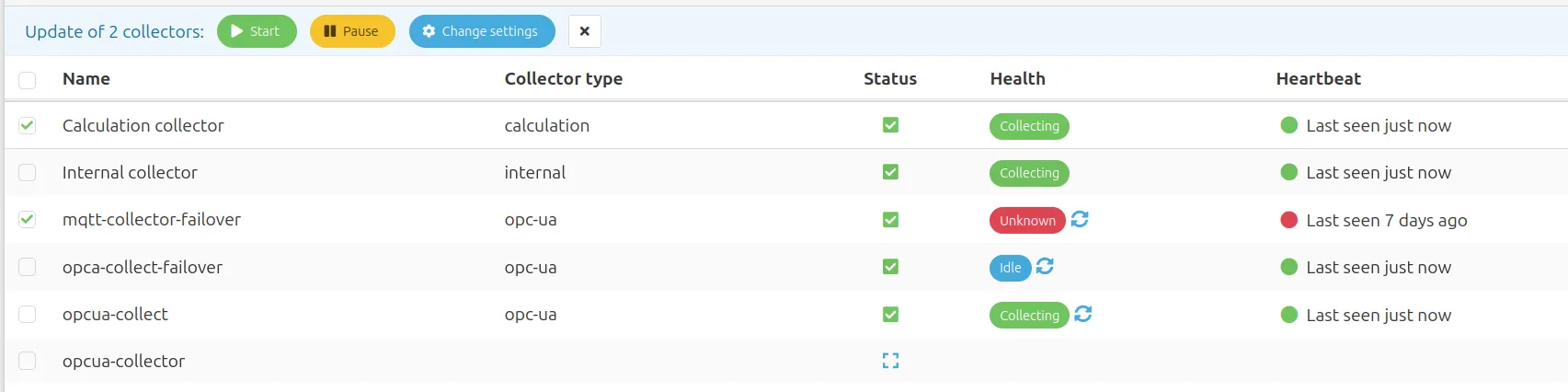
By selecting the checkbox next to the collector's name, it becomes part of the selection. Once you have at least one collector selected, a status bar will appear with the actions that can be performed. These include:
- Starting and pausing the collectors
- Changing common settings. This is especially useful when working with multiple collectors of the same type, as collector-specific settings can also be bulk updated using this method.
Changing settings
You can change the settings of collectors in bulk by clicking the Change Settings button after selecting your desired collectors. The modal that opens will only show the settings that are available for all selected collectors:
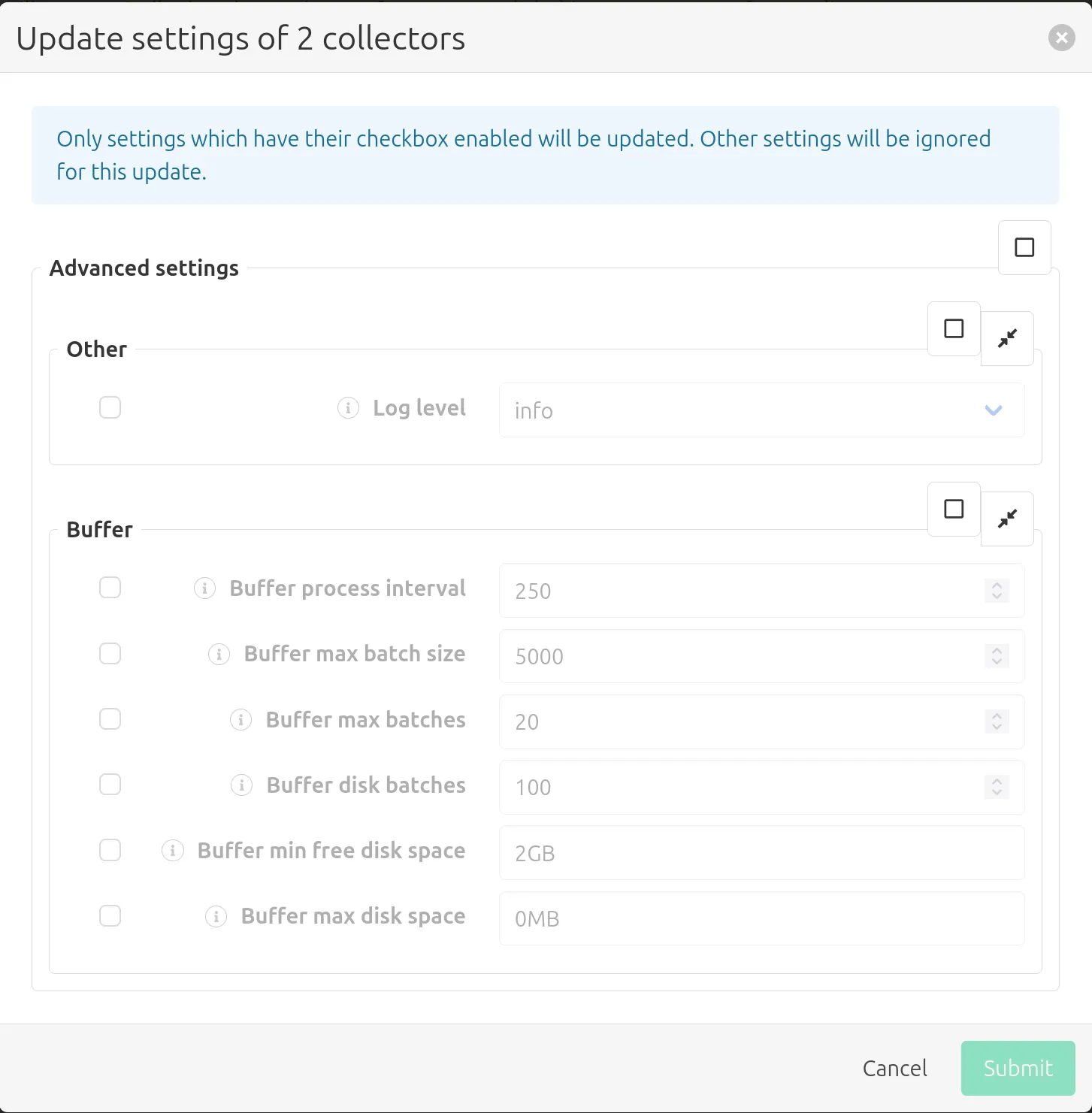
If the selected collectors are the same type of collector, you will also see more collector-specific settings here to configure.
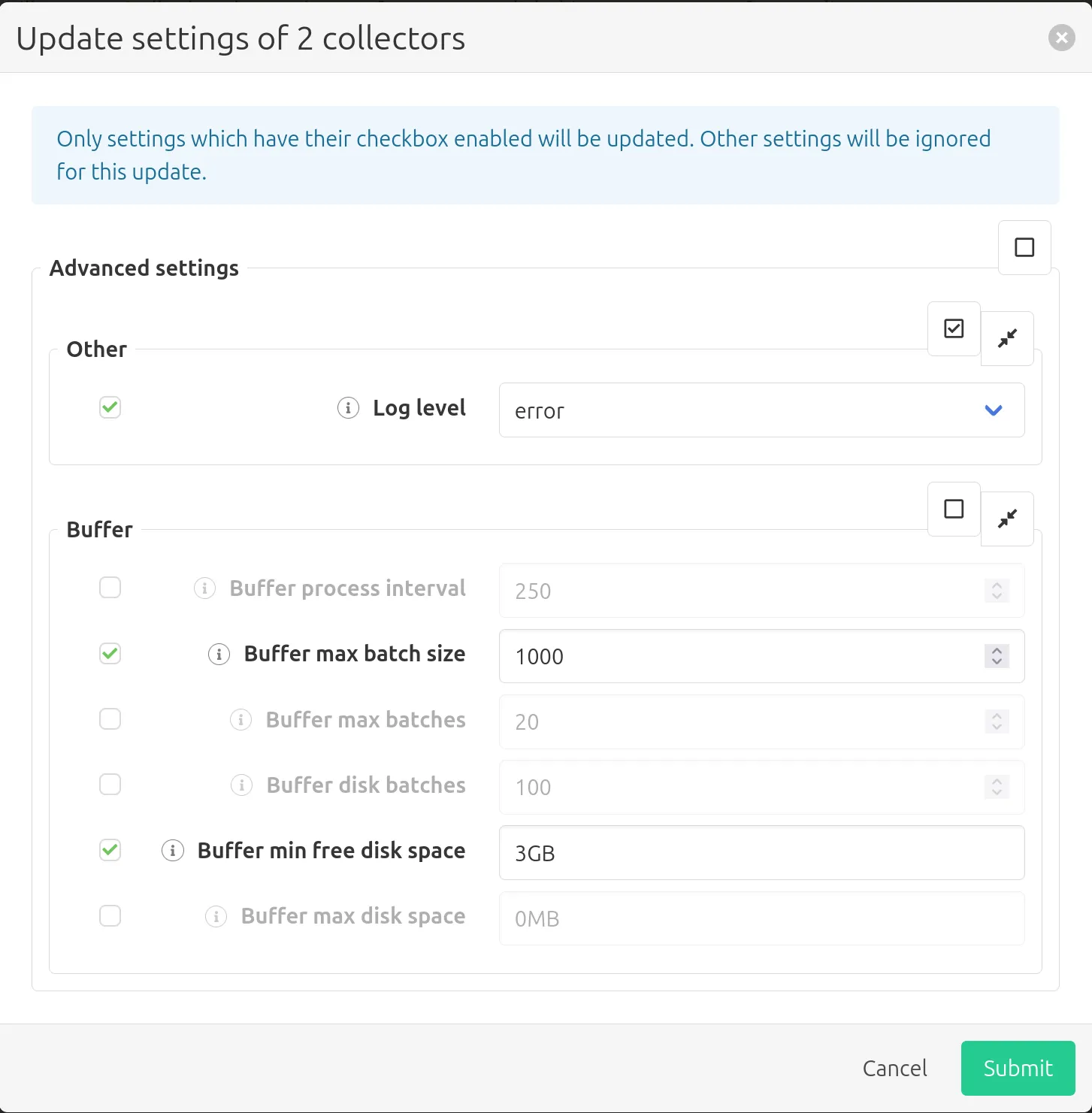
A setting only gets updated if its checkbox is selected. This makes it available for editing, allowing you to enter a new value that will be applied to all selected collectors:
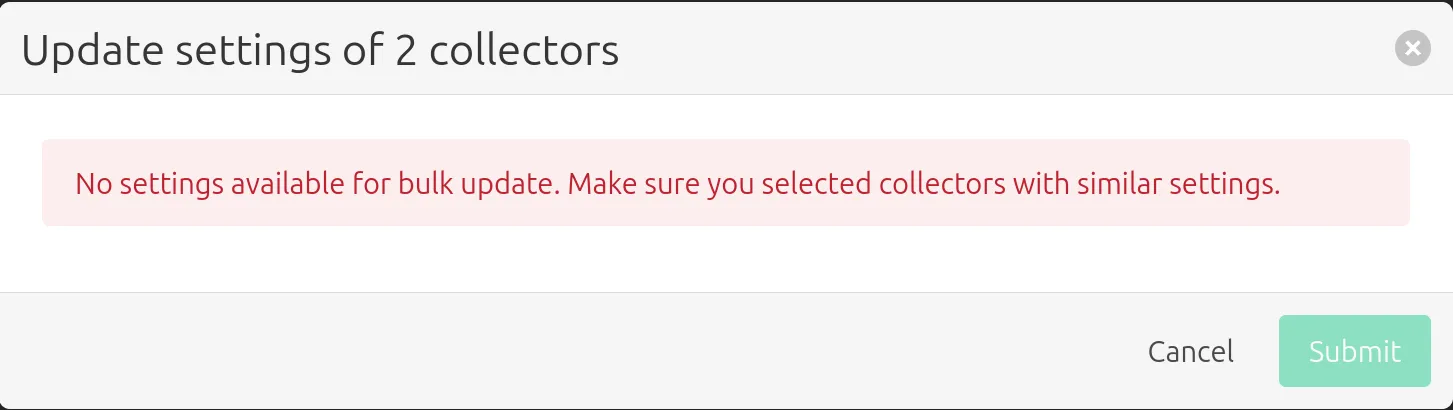
If the selected collectors have no settings in common you will see the following message:
Clicking Submit will apply the settings to all selected collectors, causing them to restart.