Bulk updating calculations
Historian supports bulk updating calculations, allowing you to quickly change the status of multiple calculations, or recalculate them.
By clicking the checkbox next to a calculation's name, it becomes part of the selection. Once you have selected at least one calculation, a new status bar will appear containing buttons for performing various bulk operations. These include:
- Starting and pausing all selected calculations
- Recalculating their data during a fixed time interval
- Deleting the calculations or their stored data
- Changing various data-adjacent values such as labels, engineering specs or other metadata
Most of the bulk editing options are the same as for measurements, described in Bulk updating measurements and calculations. One is specialized for calculations, namely recalculations.

Recalculating data
Calculation data can be recalculated in bulk by selecting the relevant calculations and clicking the Recalculate button. This will open the recalculation modal:
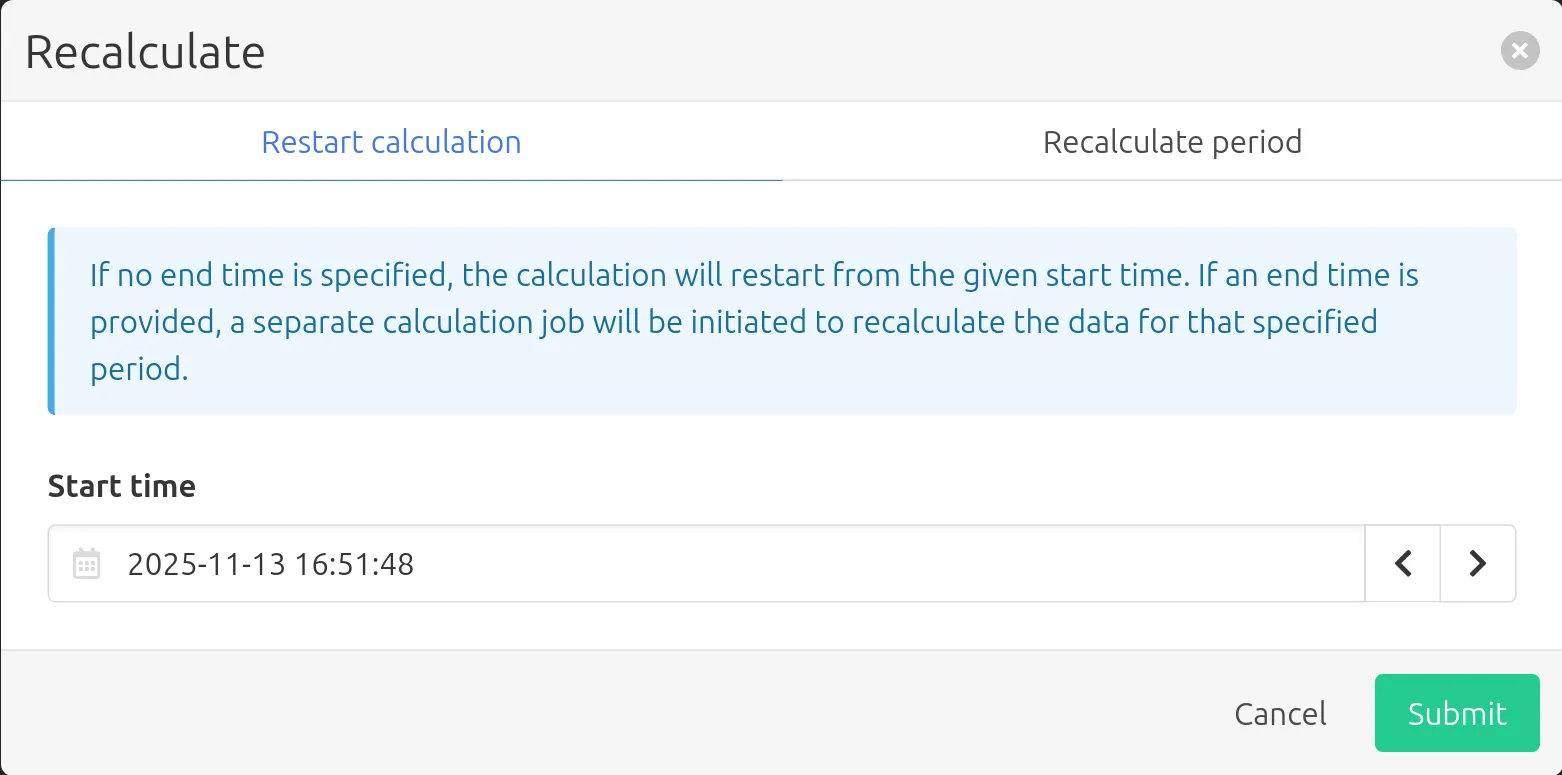
Here you have the option to either restart the calculation starting from a given date and time, or recalculate part of the calculation's history without restarting it. After hitting Submit, the action will be performed on all selected measurements.
Recalculate with context is not available when bulk updating calculations, as the various contexts would conflict with each other.