Creating an asset
Navigate to the Assets page to create an asset structure. To create a new asset, click the Create asset button and follow these steps:
- Enter a name
- Optionally enter a description
- Optionally select a parent, either in the tree beforehand or in the dropdown of the form
- Click the Submit button
Example asset model
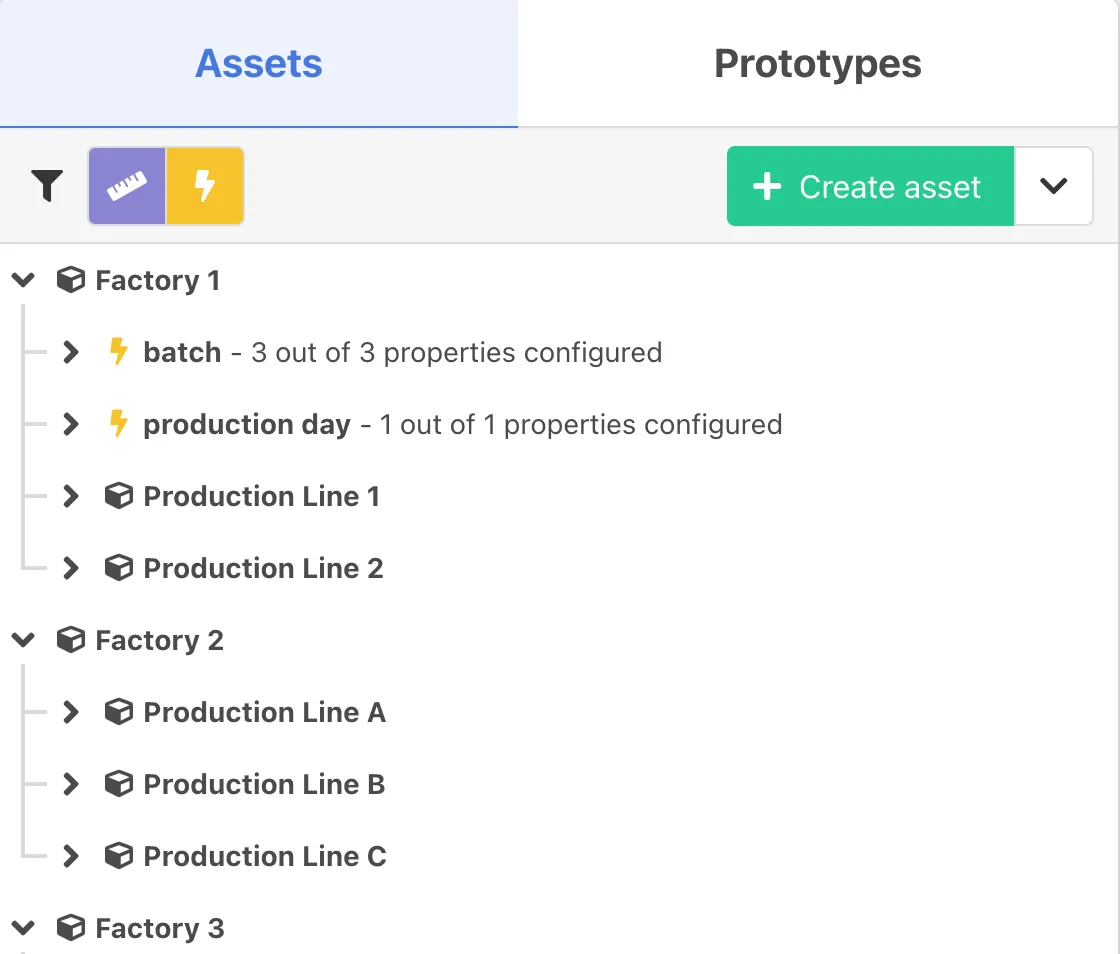
In this asset model, the top-level assets are Factory1, Factory2 and Factory3. Underneath these parent assets, multiple Production Line xx child assets are located. Next to the child assets, some event types like batch and production day are already set up. To do this, one needs to create event types and link and configure these event types to the according asset. Upon each event type, properties (not visible here) should be configured later on.