Adding measurements to an MQTT Sparkplug B collector
Once the collector is successfully configured, you can add measurements to define which Sparkplug B metrics should be collected. Each measurement corresponds to the group ID, edge node, and optionally a device.
To add a new measurement, go to the Measurements page in Factry Historian and click + Create Measurement.
In the measurement creation form, fill in the Name and optionally a short Description to help identify the measurement. Then, choose the MQTT Sparkplug B Collector and select the Time Series Database where the data should be stored.
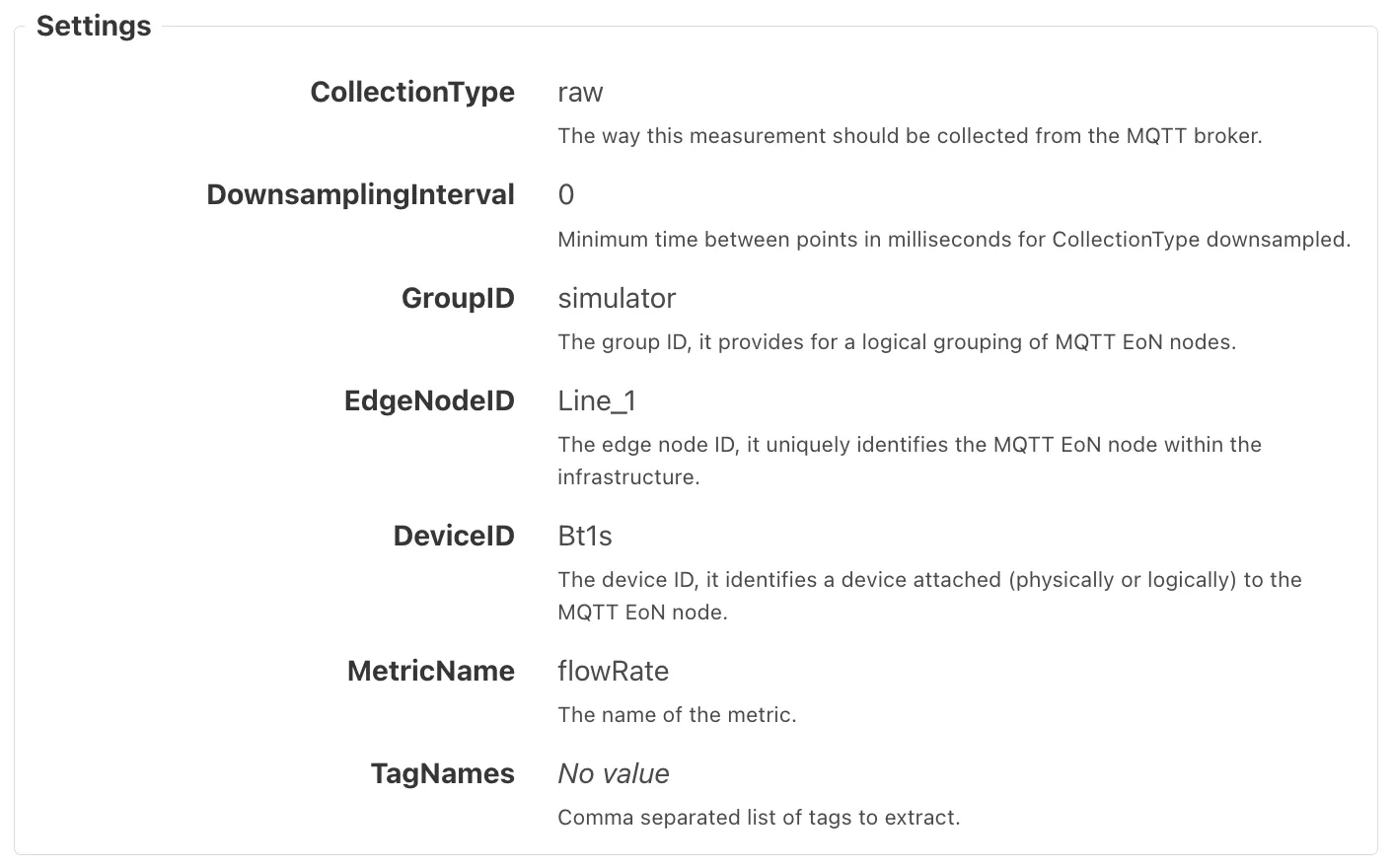
You’ll also need to provide the following measurement settings:
- GroupID: The group ID, logically grouping MQTT edge nodes.
- EdgeNodeID: The edge node ID, which uniquely identifies the node within the infrastructure.
- DeviceID: The optional device ID used to identify a specific device attached to the edge node.
- MetricName: The metric name, corresponding to the Sparkplug B metric to be collected.
Expected Outcome
After adding the measurement, the status should change to Good, and the data preview will show live values coming from the subscribed topics.