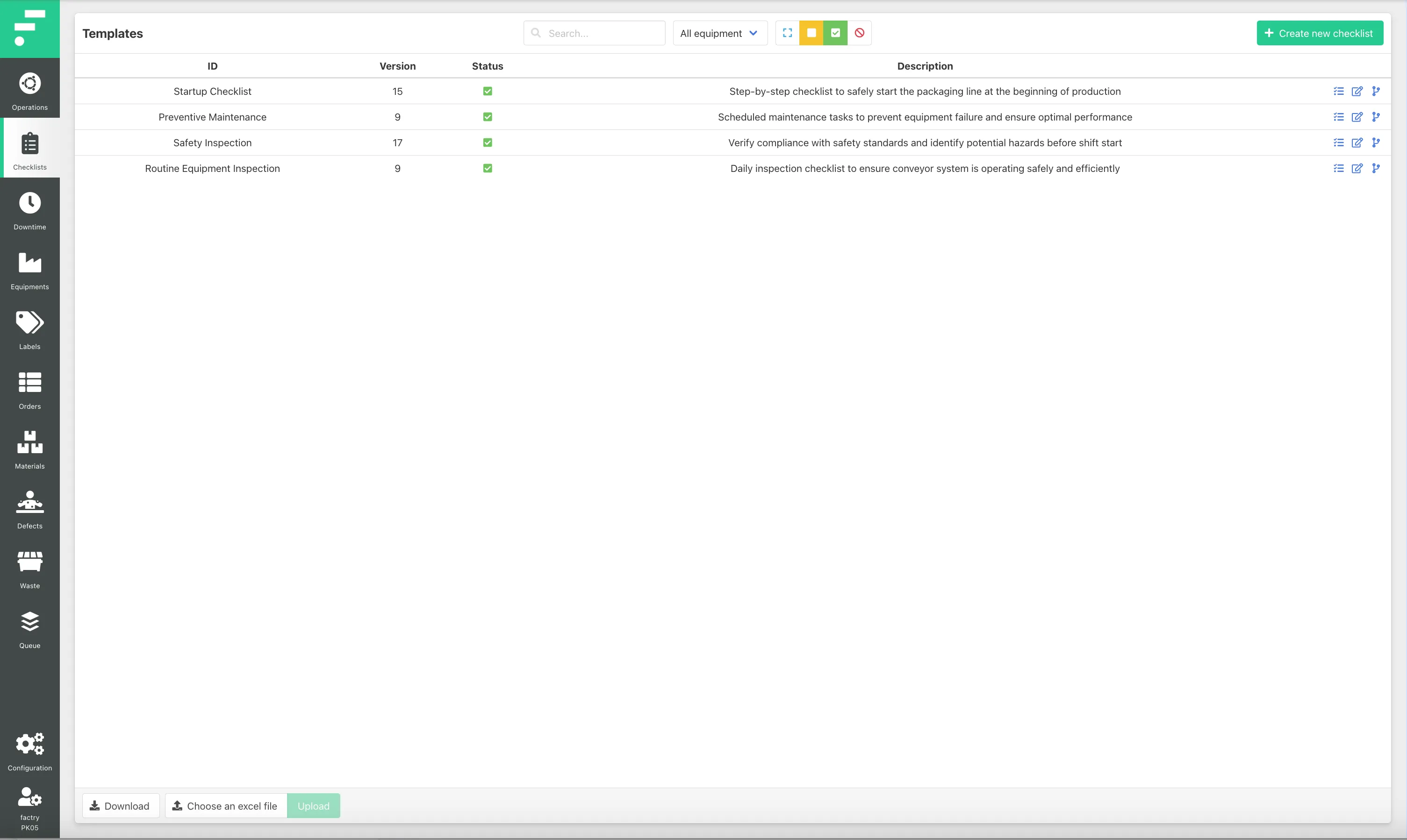
Template Overview
Users can access checklist templates through the Checklist Templates menu item.
This view displays all templates available in the system and allows users to:
- create new templates
- review existing templates
- edit template configuration
- manage template versions
- reuse existing templates
The overview includes information such as:
Field | Description |
|---|---|
Template ID | Unique identifier for the template |
Version | Current template version |
Status | Indicates whether the template is active or not |
Description | Short explanation of the checklist purpose |
This overview allows administrators to quickly locate and manage checklist templates.