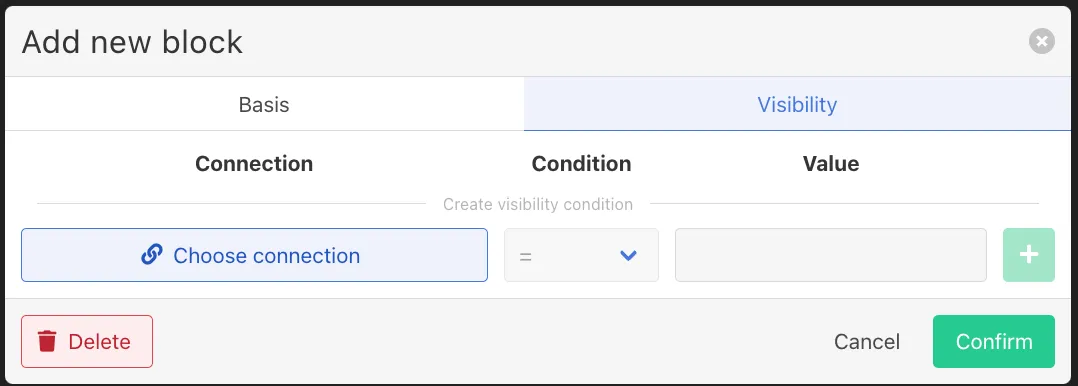
Block Visibility configurations
Block Visibility configurations
Blocks can be configured to appear only when certain conditions are met.
This configuration can be found under the Visibility tab.
Visibility conditions allow the checklist to adapt dynamically based on the current context.
Visibility logic
Visibility conditions define when a block becomes visible during checklist execution.
If no conditions are configured, the block will always be visible.
If conditions are defined, all conditions must be met for the block to appear.
Defining a visibility condition
To create a condition:
- Click Choose connection
- Select the relevant data source
- Choose the condition type
- Provide the values to be compared
A visibility condition consists of three elements:
Element | Description |
|---|---|
Connection | The data source used for the condition |
Condition | The comparison operator |
Value | The value used for the comparison |
Available Connections
The connection determines which data source the condition evaluates.
Possible connections include:
- Equipment
- Order
- Entry in progress
- Output definition
- Output lot
- Trigger
These connections allow the checklist to adapt to the current production context.
For example, a block could be shown only when:
- a specific product is being produced
- a specific machine is used
- a particular trigger event occurred