Create a state transition group
Go to FactryOS > Downtime > Configuration > State transitions.
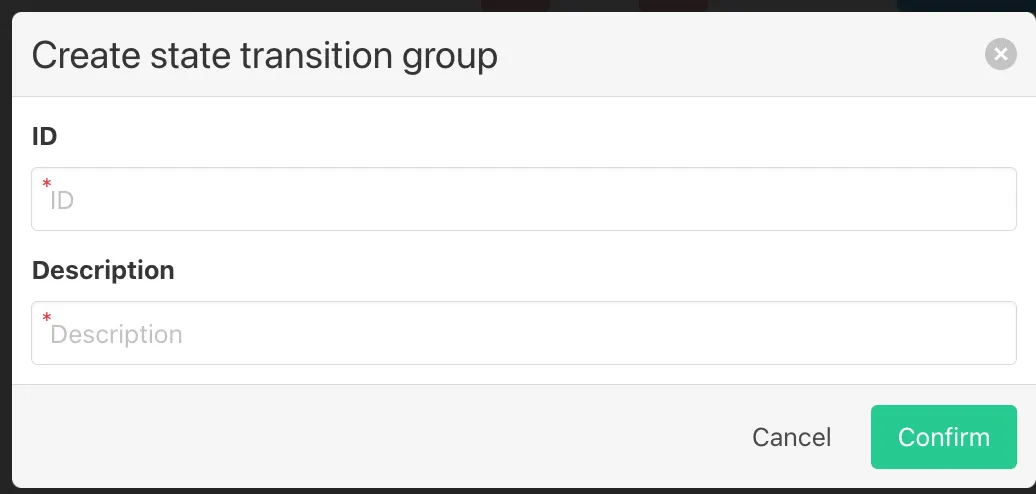
Click + Create a new group. A form opens with two required fields:
- ID — a unique identifier for this group (e.g. downtime_tag2).
- Description — a readable label describing the equipment type or line this group covers.
Click Confirm. The new group appears in the dropdown at the top of the state transitions table.