Configuring Equipment and Triggers
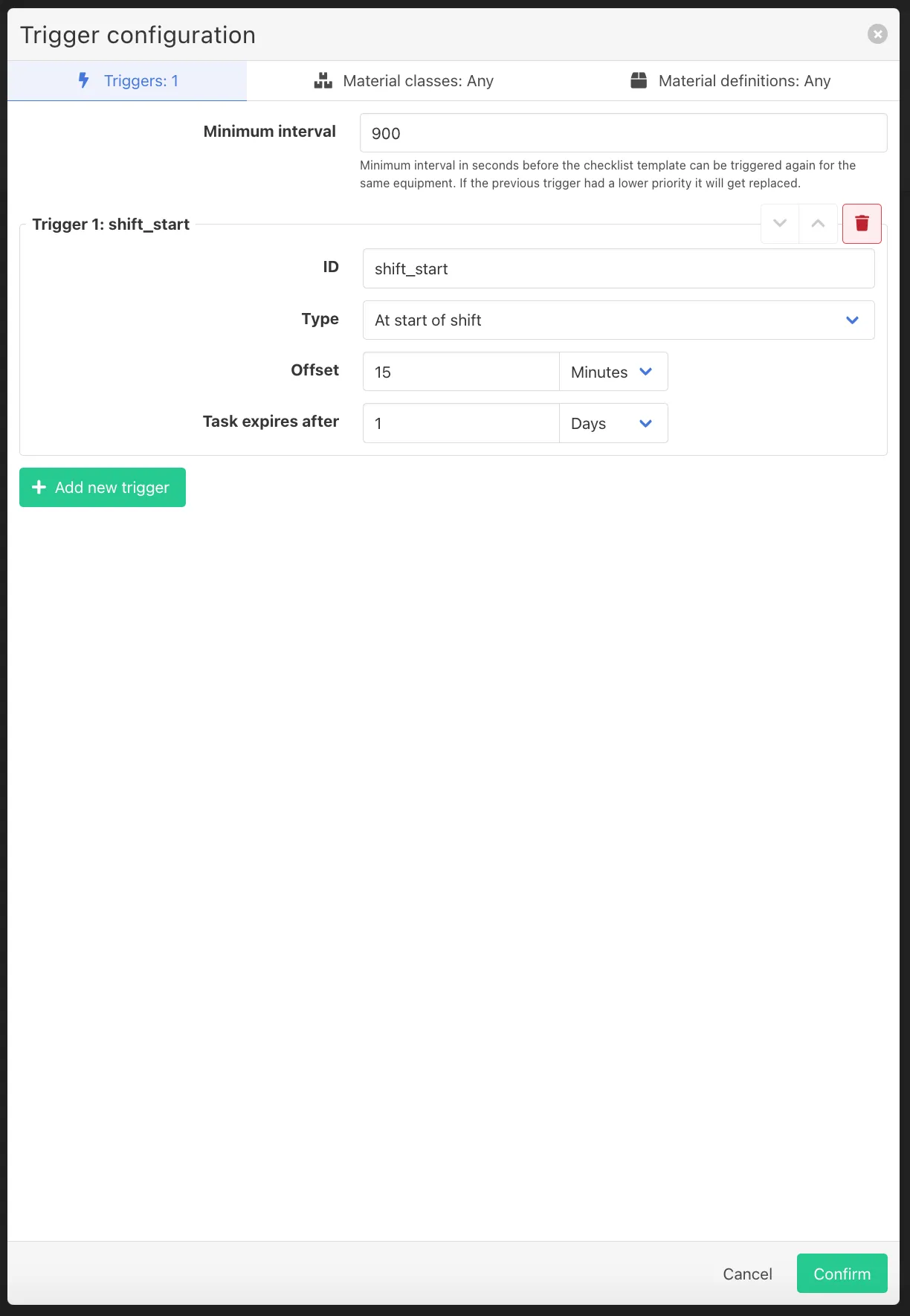
At the top of the template configuration screen, the user must/can also define:
- the relevant equipment(s)
- the appropriate trigger conditions
Triggers determine when a checklist needs to be filled in by the operator.
For example, a checklist can be triggered:
- time based
- after x pieces produced
- start/stop entry
You can also select if you want a checklist to be triggered on a material class or a specific material definition.
This allows operators to see relevant contextual information while executing the checklist.