Working with Checklists
Checklists guide operators through predefined procedures during production. They ensure that important tasks, inspections, or validations are performed consistently and that the results are properly recorded.
Before a checklist can be executed, it must first be defined in the system as a checklist template.
A checklist template defines the structure and behaviour of the checklist, including:
- the checklist items that must be completed
- the type of input required from the operator
- validation rules for entered values
- conditional logic that determines which items appear during execution
Creating checklist templates allows organisations to standardise operational workflows such as:
- quality inspections
- machine setup procedures
- maintenance checks
- safety verifications
- product-specific work instructions
Once created, a template can be reused multiple times. Checklists based on the template can then be triggered automatically by production events or started manually by operators.
During execution, operators complete the checklist items, enter measurements or confirmations, and follow any instructions or visual guidance provided. The system stores the results together with the relevant production context, ensuring traceability and consistent process control.
A well-designed checklist template helps operators perform tasks efficiently while ensuring that critical steps are not missed.

Filled in checklist
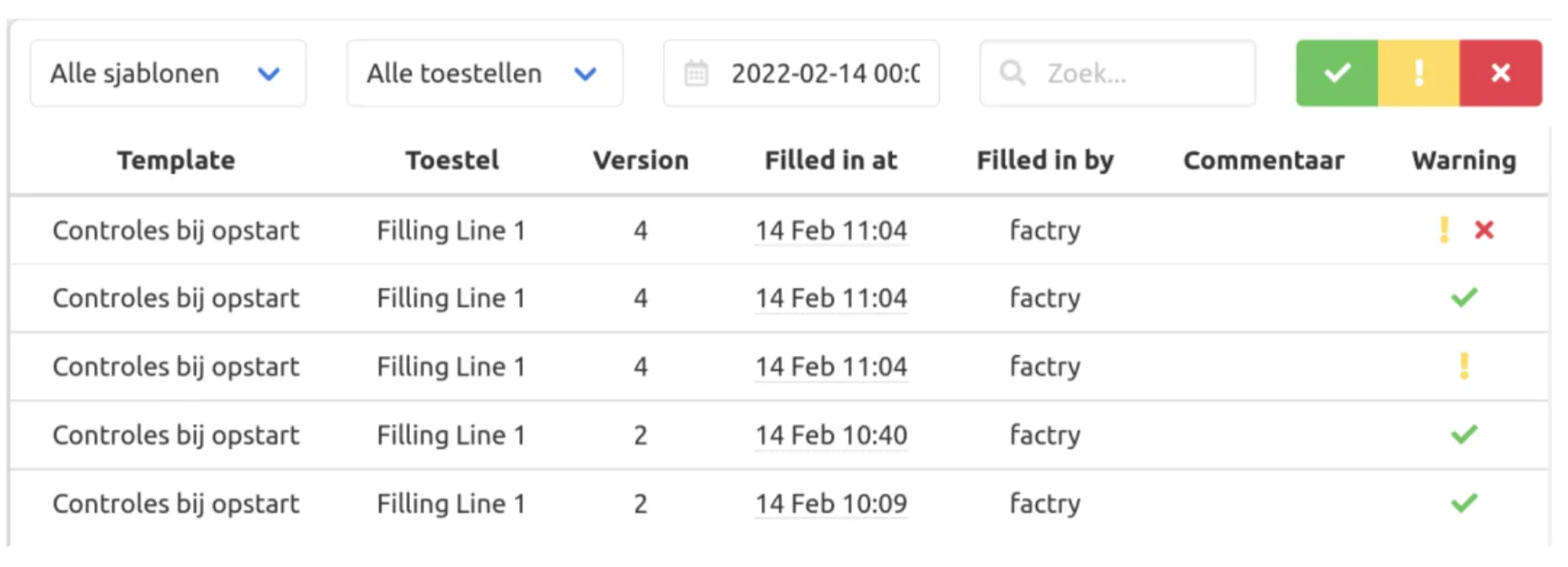
Filled-in checklists are displayed in the checklist overview page. For each checklist, you can immediately see whether it complies with the defined guidelines or if any values are out of bounds by looking at the status icons.
By selecting a checklist, you can view the detailed input provided by the operator.
The overview can be filtered by checklist template or by status.